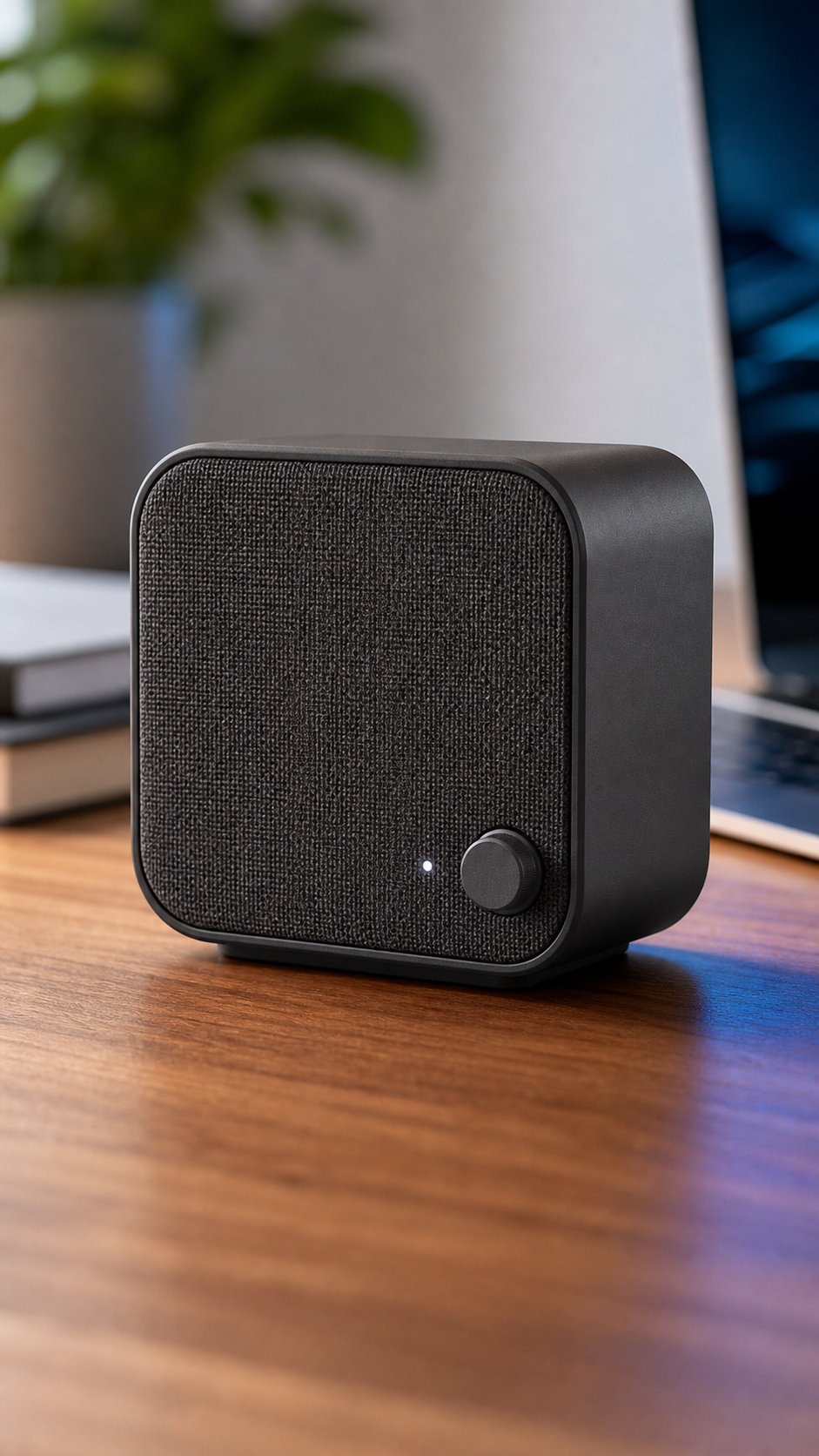
Show controls, material, texture, ports, size context, or packaging details with short mobile-safe callouts.
Problem-solution demo
Use a visual setup that shows why the product matters without relying on exaggerated claims.
Product detail loop
Use slow camera movement and crisp lighting for products that need inspection rather than fast lifestyle motion.
Cross-platform reuse
A strong 9:16 Shorts output can often be reused for Reels, TikTok, paid social, and landing page sections.
Good YouTube Shorts Categories
- Electronics, gadgets, accessories, and desk setup products.
- Home products with visible features or usage context.
- Fitness and wellness accessories with tangible product details.
- Beauty, skincare, and packaged goods that benefit from close-up texture.
How to Plan a Product Video for YouTube Shorts
Start with one product promise that can be shown honestly in a few seconds. Choose a source image where the product is large, recognizable, and separated from the background. Use the opening second for a visible camera move or detail reveal, then let the viewer inspect the feature. A concise prompt should describe the camera direction, the visible product detail, the lighting, and the desired pace. Generate a short vertical draft and review packaging, text, controls, ports, materials, and proportions before adding captions or a call to action.
A Simple 10-Second Shorts Structure
A short product clip can follow three clear beats: hook, evidence, and action. The hook creates movement immediately without hiding the product. The evidence beat shows a real feature, texture, size cue, or usage context that is visible in the authorized source. The final beat leaves a stable frame for a platform-safe call to action such as Learn More or View Details. Generate the motion first, then add verified text in an editor. Avoid asking the model to render dense specifications because small generated typography can change between frames.
Testing Shorts Creative Instead of Guessing
Create two or three variants from the same image and change only the opening camera move or pace. Keep the product, claim, offer, and destination consistent so performance differences are easier to interpret. Compare more than view count: watch the first-second hold rate, average percentage viewed, clicks, product-page engagement, and conversions when those metrics are available. A calmer feature close-up may outperform a dramatic effect for electronics or home products because it helps a buyer understand the item. Save the winning prompt structure for related products while continuing to review every generated result.
YouTube Shorts Product Video Safety
Use only product images, logos, packaging, demonstrations, testimonials, and claims that you are allowed to publish. Do not generate fake reviews, ratings, certifications, competitor comparisons, warranties, health outcomes, or performance guarantees. Inspect the completed video for altered labels, invented features, misleading scale, or unsafe product use. Commercial use depends on the active plan and your rights to all assets. YouTube policies and disclosure requirements can change, so check current platform guidance before publishing synthetic or meaningfully altered media.
Choosing Source Images for YouTube Shorts
Vertical framing rewards a source image with a clear central subject and enough space above and below for motion or later captions. Product hero shots, close-up detail images, and simple in-use photos are easier to animate than a crowded collage. If a landscape image is the only source available, check whether the product will remain visible after a 9:16 crop. Avoid tiny specifications, review stars, legal copy, and price graphics in the generated footage; add verified typography after generation so it stays readable and can be updated without rerendering the motion.
Publishing and Reusing the Result
Preview the completed clip on a phone before publishing. Confirm that the product is recognizable without sound, the opening motion is clear, the key feature has enough screen time, and the ending leaves room for the next action. Add accessible captions, licensed audio, accurate product details, and any required synthetic-media disclosure in the publishing workflow. A platform-neutral 9:16 master can often support Shorts, Reels, TikTok, paid social, and mobile landing pages, but adapt the caption, title, CTA, and offer to each destination instead of uploading identical surrounding copy everywhere.
FAQ
Can I make YouTube Shorts product ads from one image?
Yes. Upload a product image, choose a vertical format, and use a feature-led prompt for clear product details.
Are feature callouts safe for product videos?
They are safest when they describe visible product details. Avoid fake ratings, unsupported results, certifications, or guarantees.
Can Shorts videos be reused on TikTok or Reels?
Often yes, especially when the output is 9:16 and the CTA is platform-neutral.